Getting started
You prepare the service and your loved one's device. After that, they can call familiar people and answer calls from a clear screen. Start by checking the device and the network connection, and finish by making the first call together.
What you need
For your loved one you need a tablet or smartphone, an internet connection and a place where the device is easy to use and charge. The app runs on Android devices (Android 12 or later) and on iPhone and iPad (iOS 15 or later). A large screen (at least 10 inches recommended) makes it easier to use, because faces and buttons appear large on it. Then again, their smartphone becomes just as easy once the Vieressa app is installed on it.
You use the service on your own device: with the Vieressa app on an Android phone or an iPhone, or in the Chrome or Edge browser on a computer.
Six steps to get started
-
Get the app
Install the Vieressa app on your own phone from Google Play (Android) or the App Store (iPhone and iPad). On a computer the service works in the Chrome or Edge browser without installing anything.
-
Create an account and add your loved one
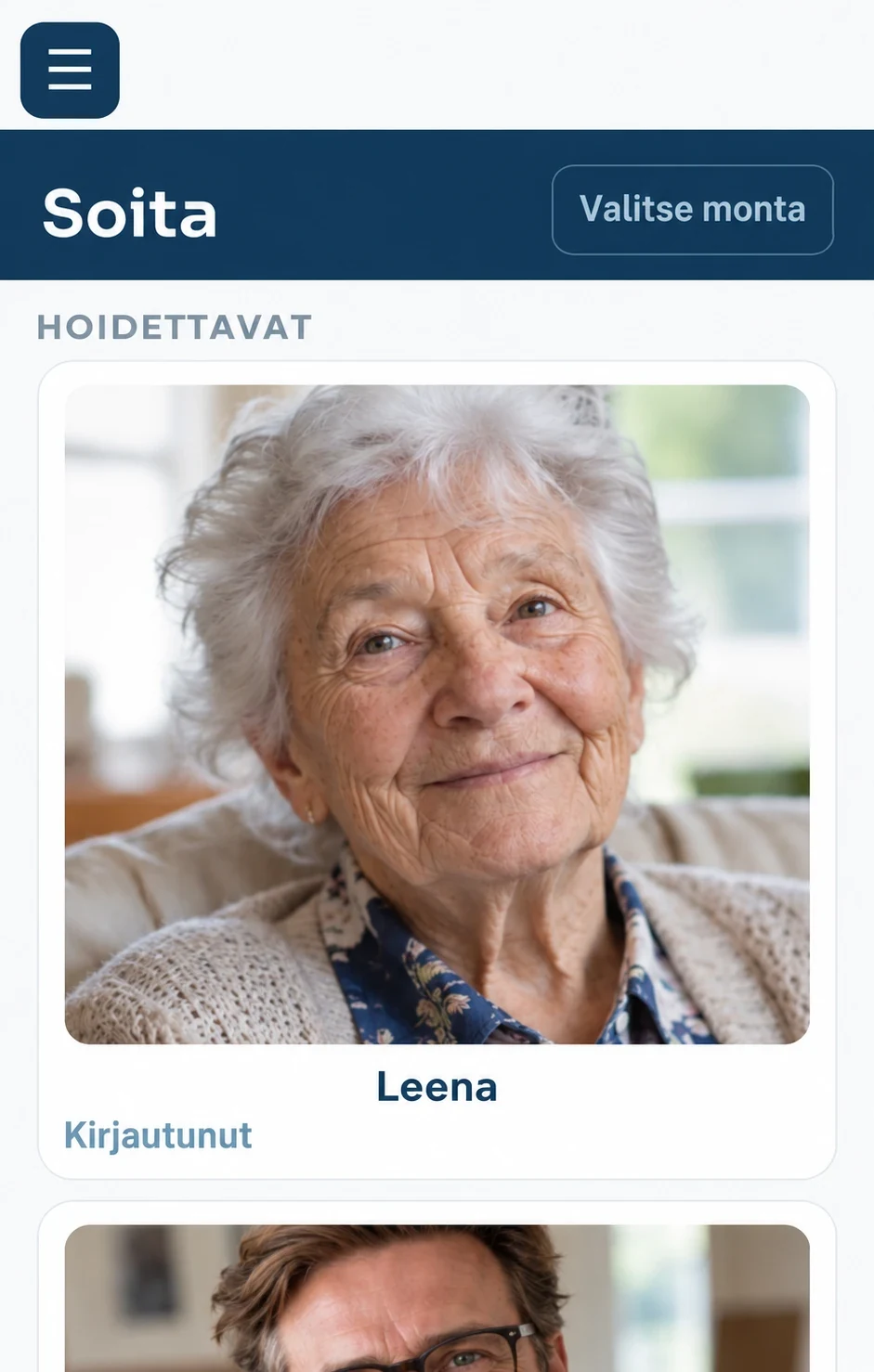
Press Start your free trial and create an account. Once you have logged in, you add your loved one to the service. At the same time you get an activation code for connecting their device to the circle. Add your own face photo right away on the Profile page: on your loved one's device your face is the button they press to call you.
-
Connect your loved one's device
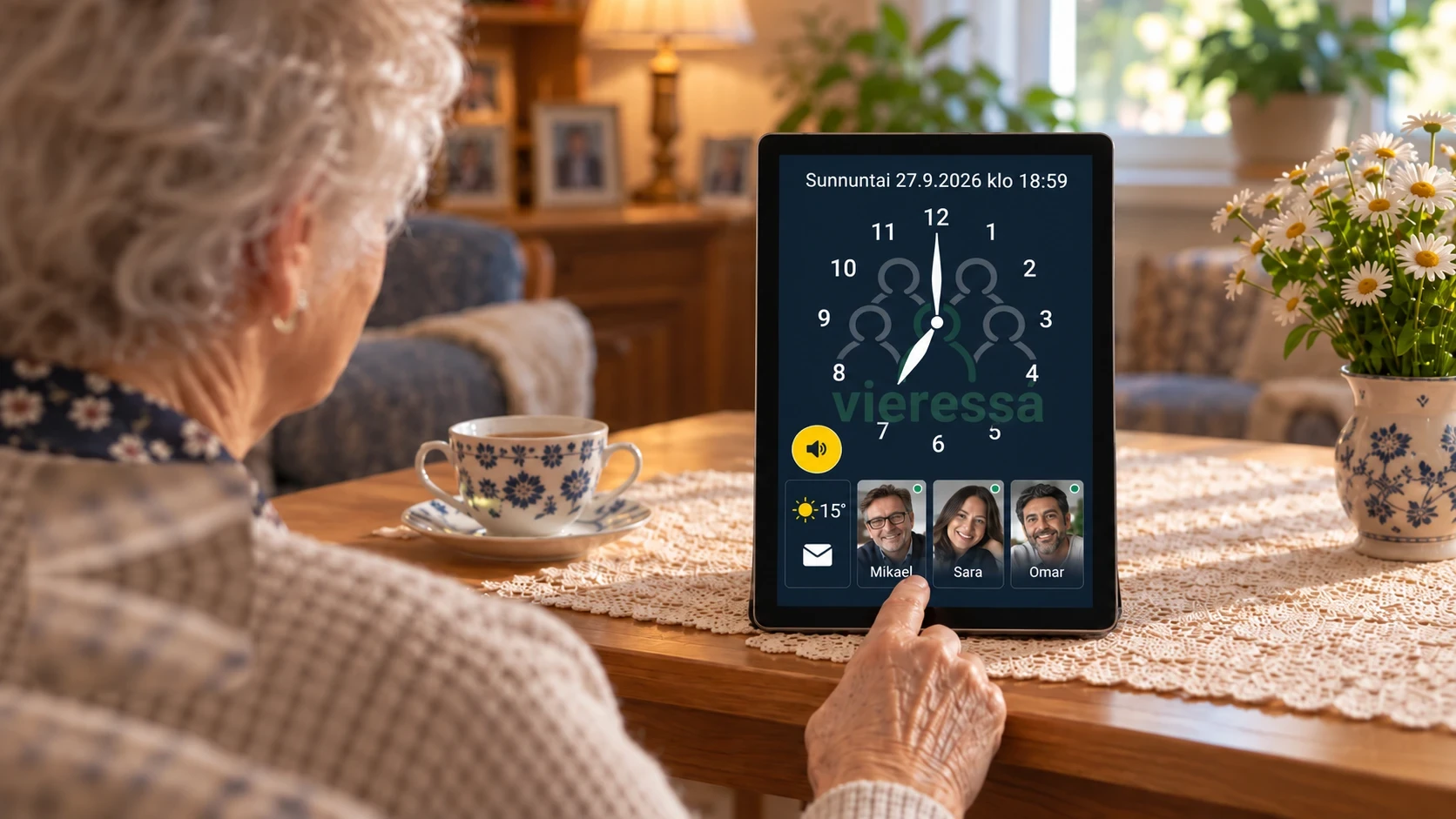
Install the Vieressa app on your loved one's device and sign it in with the activation code or by scanning the QR code; no password is needed. Allow the camera, microphone and notifications so that calls ring even when the screen is locked.
-
Set up your loved one's device
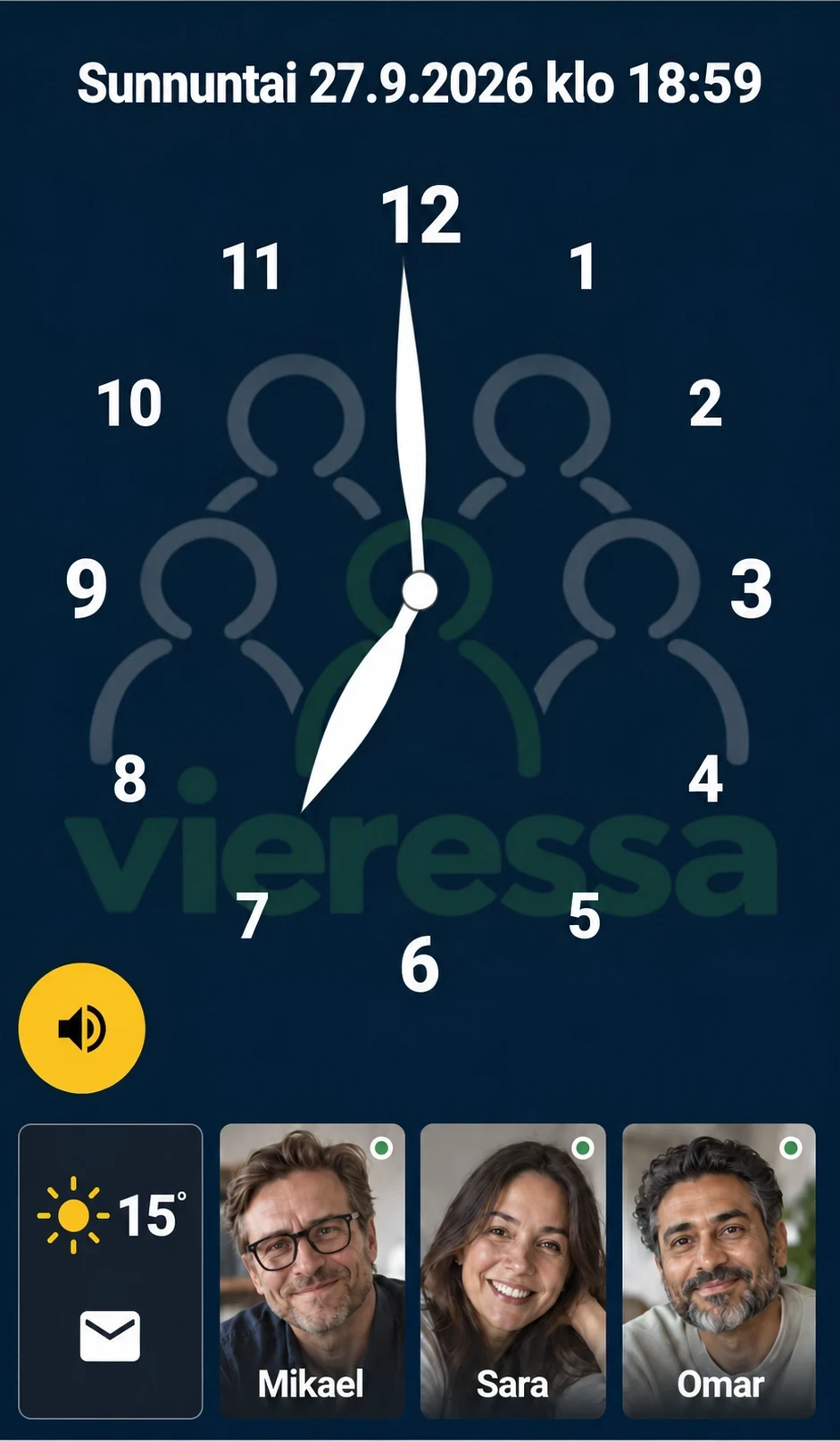
On the device page you adjust the volume and brightness and switch on night mode, which dims the screen at night, locked mode, which keeps the device in Vieressa, and simple mode, which shows only the faces on the screen. Also send a family photo to the device with the Home button Send a photo to the device; it shows behind the clock.
-
Make the first call together
First you call your loved one's device and let them answer. Then ask them to call you. Leave the device charged in a place where it can be heard, for example on a stand with the charger connected.
-
Invite the circle and set permissions
Add a profile photo for yourself so that your loved one recognises you from your photo. Invite other family members, friends or a caregiver by email from the Family page; everyone uses the service with their own account. Decide for each person separately whether they may open a video call automatically and see your loved one's location.
Calling and answering
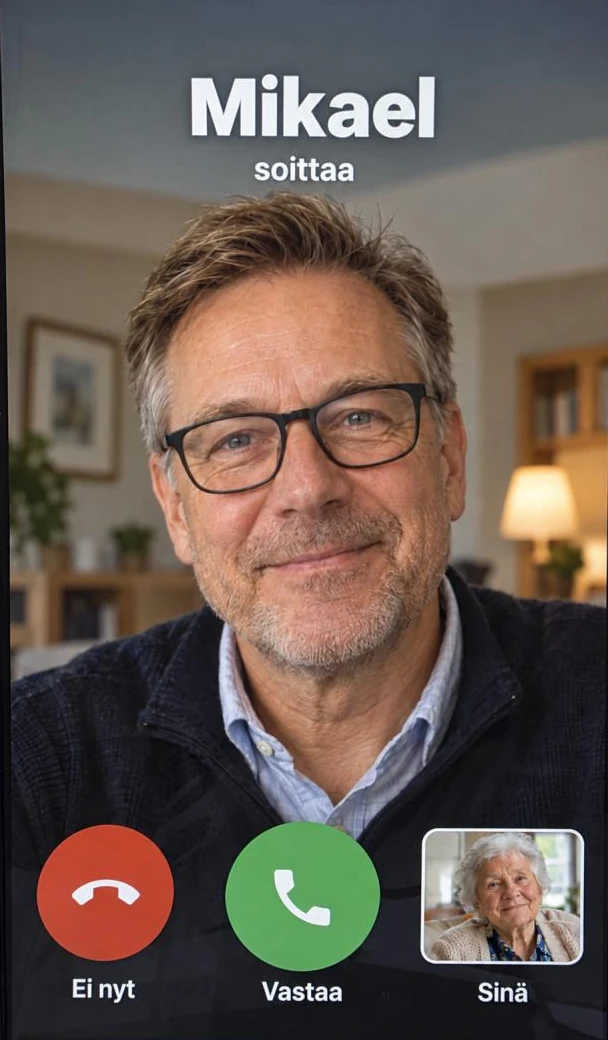
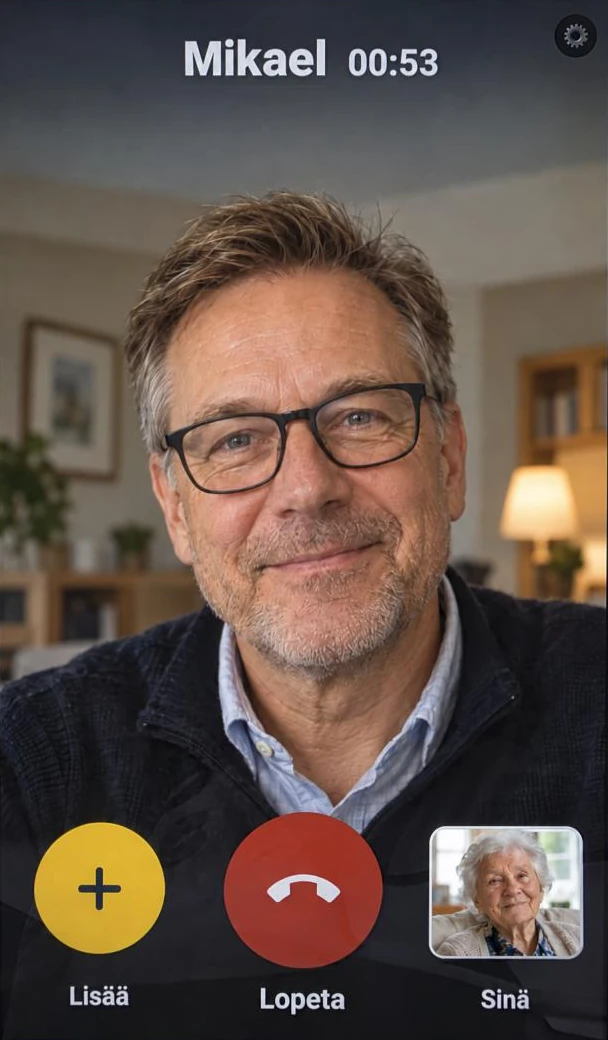
Once the family and your loved one's device are ready, they bring up the contacts by touching the screen. Then they call by tapping the photo of the person they choose. An incoming call is answered with a clear Answer button. Photos and messages bring greetings between calls too.
On your phone